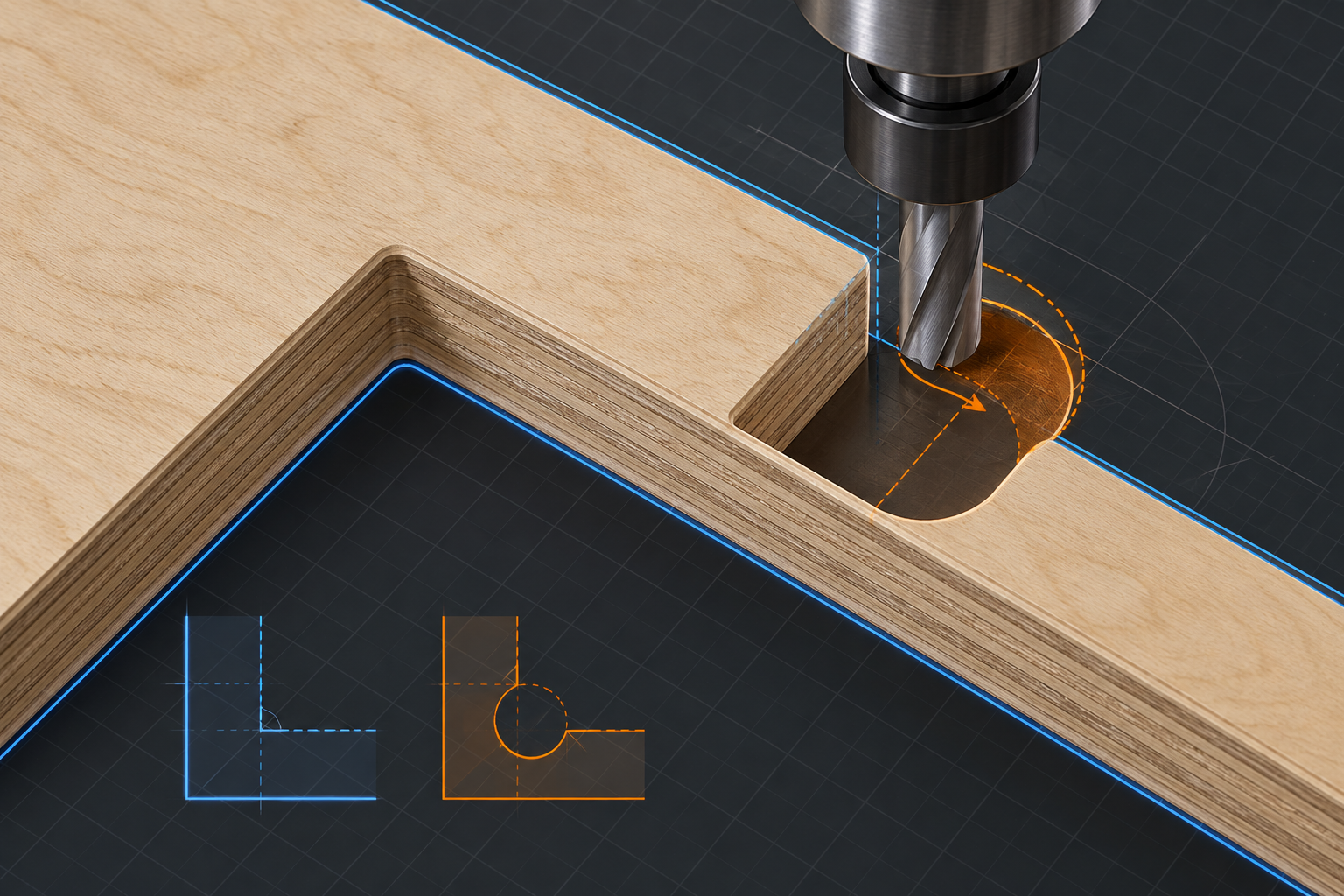
Select corners
Choose the internal corners that need CNC reliefs.
 Plugins 001
CAD / CAM plugin 001
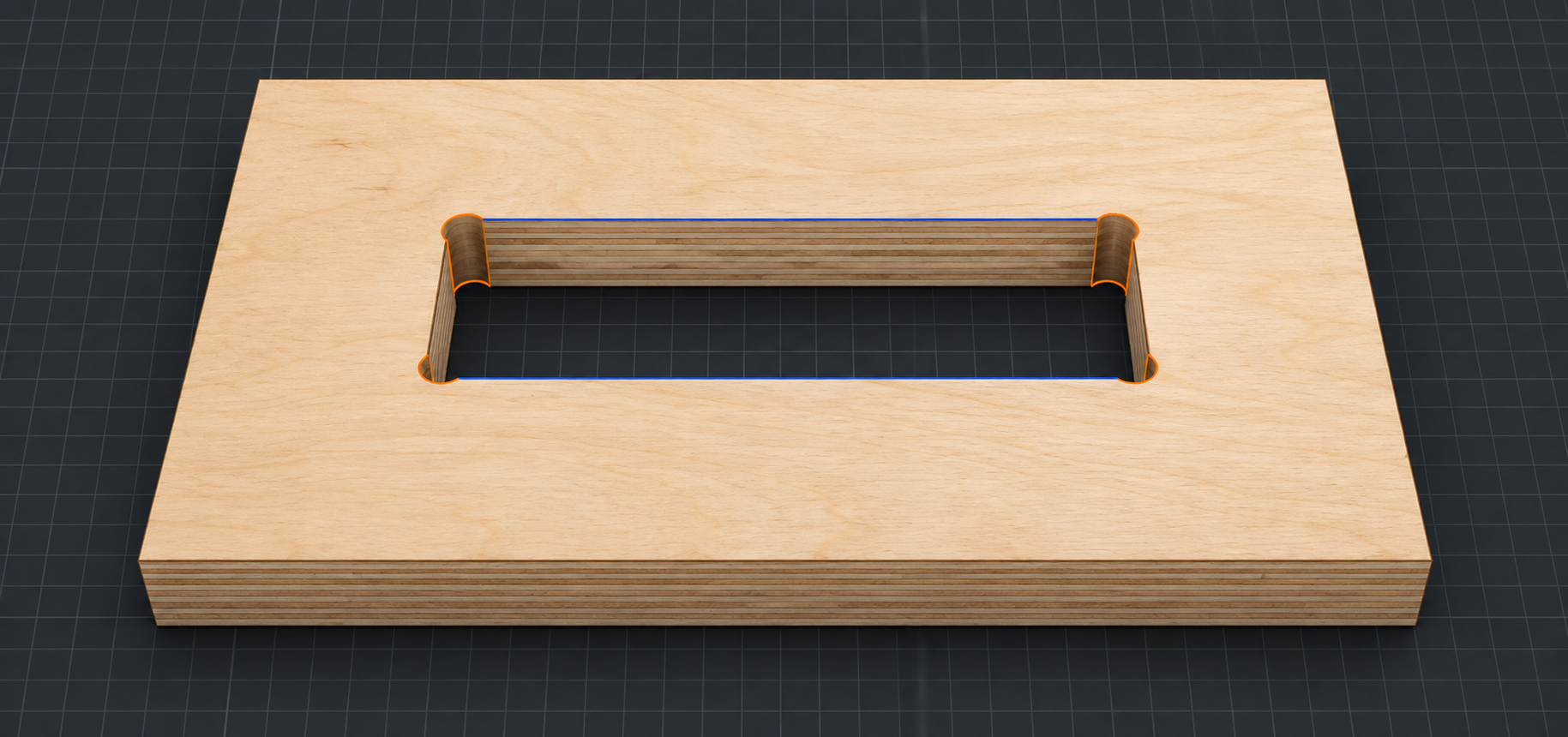
DogBones turns an awkward manual CAD task into a focused workflow. Select the internal corners, set the tool diameter and generate clean CNC-ready relief geometry without rebuilding the joint.
No purchase required.
02 Focused workflow
DogBones keeps the repetitive part out of the way, so CNC joints remain predictable and editable.
Choose the internal corners that need CNC reliefs.
Use the cutter diameter and clearance required by the joint.
Generate consistent reliefs while keeping the model readable.